USB-C vs USB-A Portable SSD UK: Connector Shape Is Not Speed
Direct answer: choose for the ports you actually own; USB-C shape ≠ Gen 2 speed
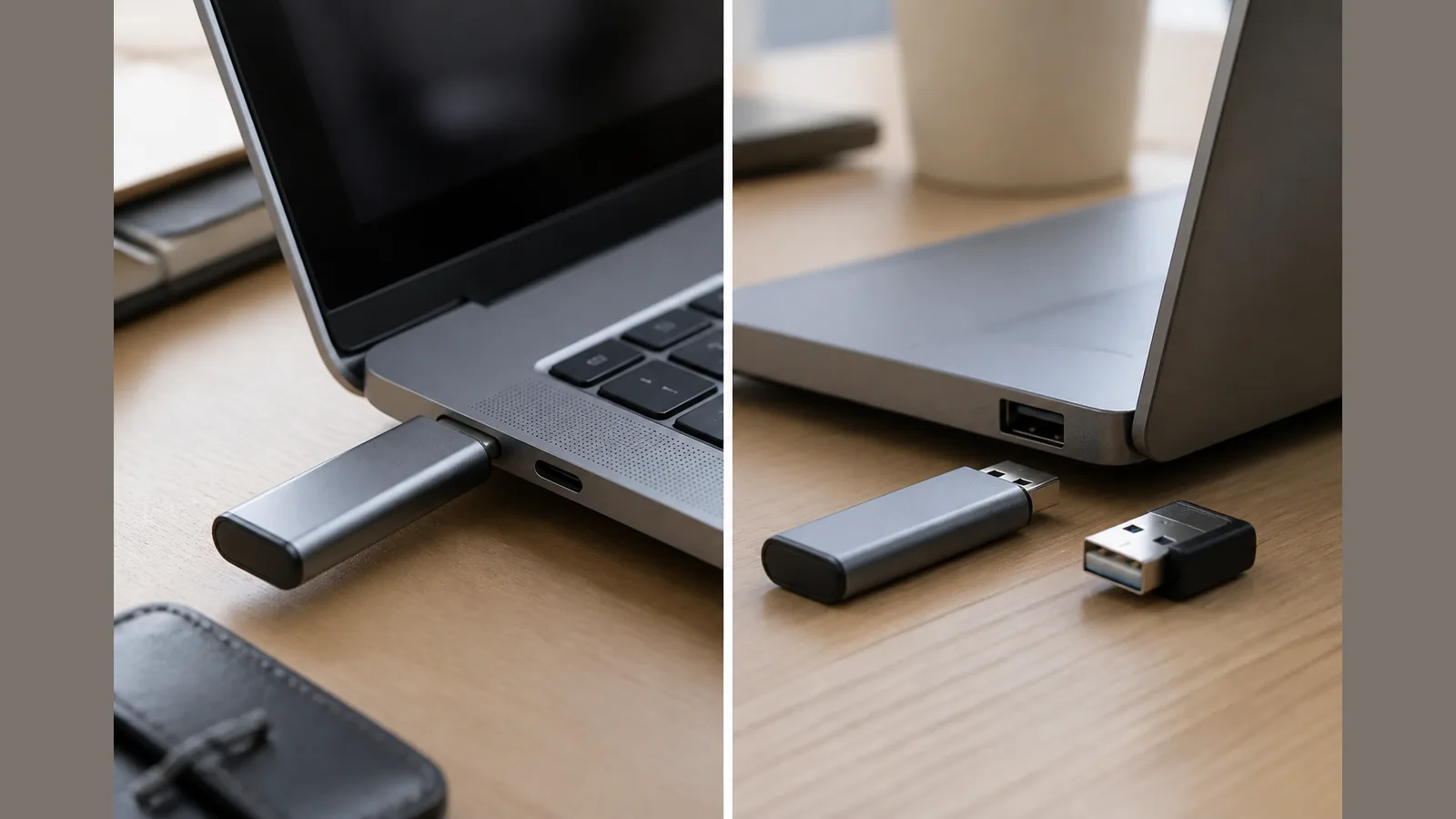
For usb-c vs usb-a portable ssd uk buyers, pick the drive that matches the ports on your laptop, tablet or phone—not the connector shape alone. USB-C is a plug design, not a speed grade: the same oval port can run from slow USB 2.0 rates through much faster USB 3.x, USB4 or Thunderbolt-class links depending on the host, cable and labelling. Real throughput is limited by the slower of the drive and the host port, so check interface generation and capacity before you buy.
Comparison table: stick-style USB-C vs cable enclosure with USB-A/C leads
Two common portable SSD layouts serve different bags and docks. A cable-free USB-C stick plugs straight into a host USB-C port. A cabled enclosure usually ships with USB-A and/or USB-C leads so you can reach mixed ports without a separate adapter—at the cost of another cable to pack.
| Point | Stick-style USB-C | Cable enclosure (USB-A/C leads) |
|---|---|---|
| How it connects | Direct USB-C plug into the host | Enclosure plus a lead to USB-A or USB-C |
| Best fit | Modern USB-C laptops, tablets and compatible phones | Mixed USB-A and USB-C machines, shared desks |
| Travel bulk | No dedicated data cable | Lead required; easier on older USB-A-only hosts |
| Speed caveats | Host port generation still sets the ceiling | Lead and port standard still set the ceiling |
| USB-A hosts | Needs a suitable adapter and matching USB standard | Often covered by the included USB-A lead |
Buying guides typically stress interface type (for example USB 3.2 Gen 2, Gen 2x2 or USB4), capacity and size, and that measured throughput cannot exceed the weaker link in the chain.
Adapter and cable pitfalls that silently drop to USB 2.0
USB-A/USB-C adapters only bridge shapes. Data speed depends on whether the adapter, cable and both ports support USB 3.x (or faster)—not merely that the plugs fit. Charge-only cables, unmarked “USB-C” leads and cheap adapters can quietly fall back to USB 2.0 signalling even when the SSD and laptop are capable of more.
- Match the labelled USB generation on the port, cable and adapter—not the connector colour or marketing badge alone.
- Prefer short, data-rated leads when you use an enclosure; avoid unknown travel cables for large file copies.
- After connecting, confirm the OS reports a SuperSpeed or higher link where your hardware claims it, rather than assuming the plug shape guarantees performance.
When an older USB-A laptop still works and when it is a poor fit
An older USB-A laptop can still use a USB-C portable SSD if you add a standards-matched adapter or a USB-A lead from a cabled enclosure. That setup is workable for backups and everyday files when the host’s USB-A port is a genuine USB 3.x SuperSpeed port.
It is a poor fit when you only have USB 2.0 Type-A ports, when your only adapter is USB 2.0-rated, or when you need the fastest link your drive can offer and the laptop simply cannot provide it. In those cases, a cabled enclosure with a proper USB-A 3.x lead may be more practical than forcing a stick through a weak adapter chain. Compatibility still varies by port generation, cable, file system format and power—verify on your exact model.
Soft CTA to on-site cable-free USB-C stick for modern USB-C hosts
If your main machines already use USB-C and you want a cable-free stick form factor for travel or desk use, review the current product details for the SSK 1TB USB-C SSD stick. Treat any interface or speed figures on the live page as marketing claims pending independent verification, and confirm the port generation on your MacBook, iPad, Windows PC or phone before you rely on it for large transfers.
FAQ: Thunderbolt ports accepting USB-C SSDs, hub daisy-chains, travel adapters
Will a Thunderbolt USB-C port accept a USB-C portable SSD?
Most Thunderbolt ports use the USB-C connector and will accept a USB-C SSD plug, but the link that actually forms depends on what both ends negotiate. Thunderbolt labelling does not, by itself, guarantee a particular USB transfer rate for every drive—check your host documentation and the drive’s stated interface.
Do USB hubs and daisy-chains keep full SSD speed?
Not reliably. A hub shares bandwidth, may only offer older USB generations on some ports, and can add another weak cable link. For large copies, prefer a direct host port when you can.
Are travel USB-A/USB-C adapters safe for portable SSDs?
They are fine for connectivity when they support the same USB data standard as your port and drive. Many travel kits only bridge the shape at USB 2.0 rates, which still works for light use but is a poor match if you expected SuperSpeed-class transfers. Read the adapter’s USB generation labelling, not only “USB-C” on the box.