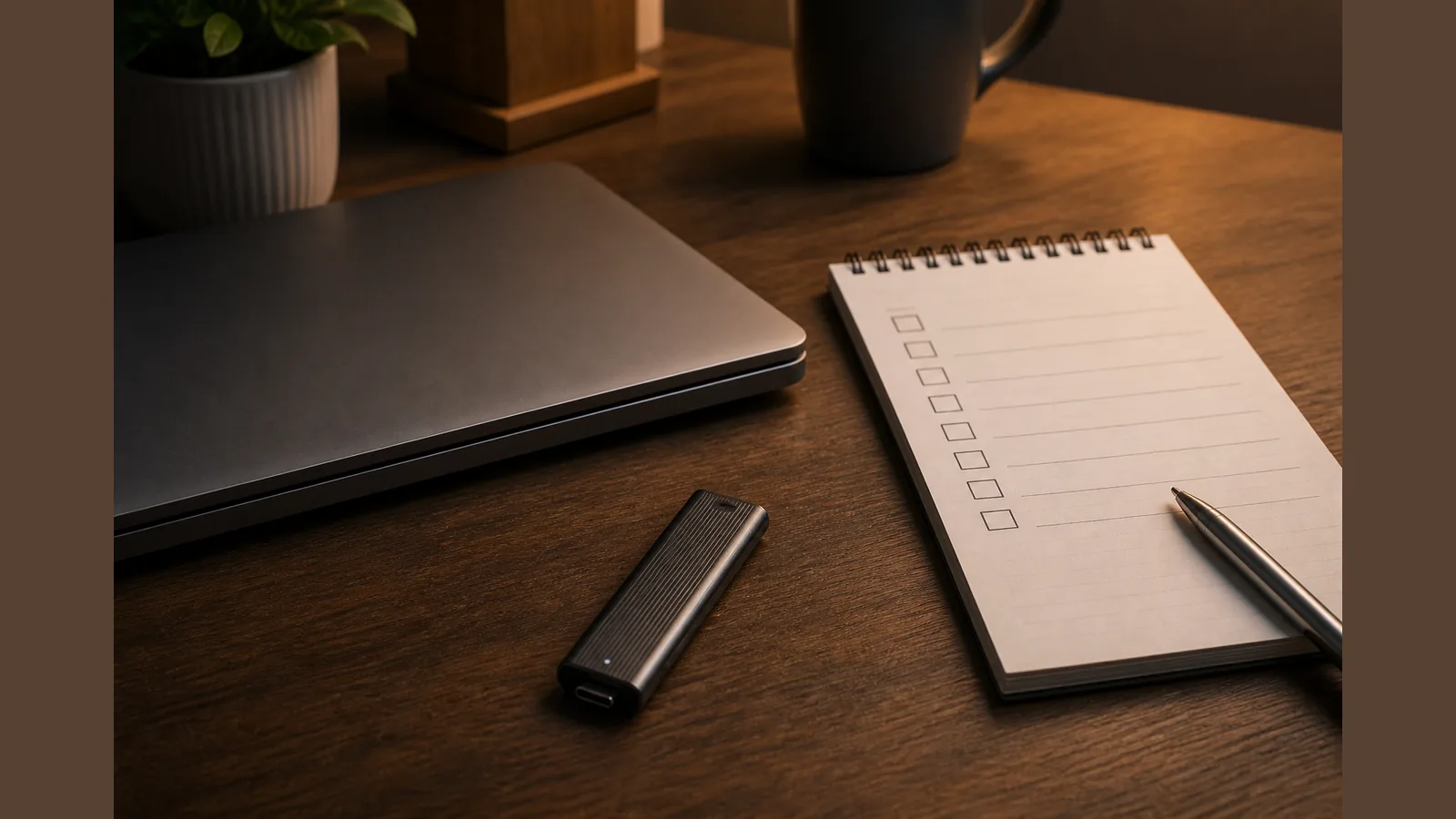
Offline Backup Portable SSD Checklist UK: Follow NCSC Habits, Not Hope
A portable SSD is useful for an offline backup portable ssd checklist uk habit, but only as one copy inside a wider 3-2-1 plan — never as your sole backup. Treat pocket storage as a rotatable, disconnectable layer beside another media type and an offsite or cloud copy, following NCSC-style separation rather than hope alone.
Direct answer: treat a portable SSD as one copy in a wider 3-2-1 plan, not the only backup
NCSC describes the 3-2-1 approach as at least three copies, on two devices or media types, with one offsite, plus the value of offline separation. A cable-free USB-C stick form factor marketed as portable SSD storage can sit in that mix as an external, removable copy — not as a complete strategy on its own.
Checklist: what to back up, rotate offline, test restore, disconnect when idle
- What to back up: Identify work files, photos, documents and any data you could not recreate quickly; prioritise what would hurt most if lost or encrypted.
- Rotate offline: Keep at least one recent copy on external storage that is not left plugged in all day; rotate media if you keep more than one device.
- Test restore: Periodically open or restore a sample of files so you know the copy is readable before you need it.
- Disconnect when idle: Unplug the drive when the backup job finishes so malware on a live machine is less likely to reach that copy.
NCSC cues: external device backups + avoid always-connected backup drives
NCSC advises keeping backups on external storage and/or online services, and not leaving backup devices permanently connected. That cue matters for any pocket SSD: connect to write or verify the copy, then disconnect. Offline separation is the habit; the drive is only the medium.
For official wording on external backups and always-connected risk, see the NCSC small organisations guide to backing up your data and the NCSC note on offline backups in an online world.
Hybrid workers schedule: weekly offline copy + cloud/offsite copy
For hybrid work, a simple rhythm helps: once a week, copy priority folders to a portable SSD, verify a sample restore, then unplug. Keep a second path offsite or in an online service so one lost bag or one encrypted laptop does not erase every copy. Compatibility still depends on your exact port, cable, format and power — check your own MacBook, iPad, Windows PC or phone before you rely on any stick for that weekly job.
Who should not rely on a single pocket drive
- Anyone whose only copy of client or personal data lives on one removable device.
- Teams that leave a backup drive plugged in continuously and assume that counts as offline protection.
- People who never test a restore, or who treat marketing speed and interface claims as guaranteed measured performance.
- Situations that need formal retention or compliance certainty — a pocket drive is not a certified backup appliance, and this article does not claim GDPR compliance outcomes.
Soft CTA
If you want a compact USB-C stick form factor for that rotatable offline copy layer, review the current product details for the SSK 1TB USB-C SSD Stick and confirm fit for your own ports and workflow before you buy.
Soft CTA only after checklist; FAQ on ransomware offline separation
Why does ransomware guidance stress offline separation?
If a backup stays permanently connected to an infected machine, ransomware may encrypt that copy too. NCSC highlights offline separation alongside 3-2-1 so at least one copy is harder for malware to reach when you are not actively backing up.
Is a portable SSD enough on its own against ransomware?
No. Use it as one offline-capable copy within 3-2-1: another media type, plus an offsite or online copy, and disconnect the drive when idle.
Does using this product make my backups NCSC-certified?
No. NCSC publishes public security guidance; a portable SSD is ordinary external storage. Do not treat any stick as a certified backup appliance.