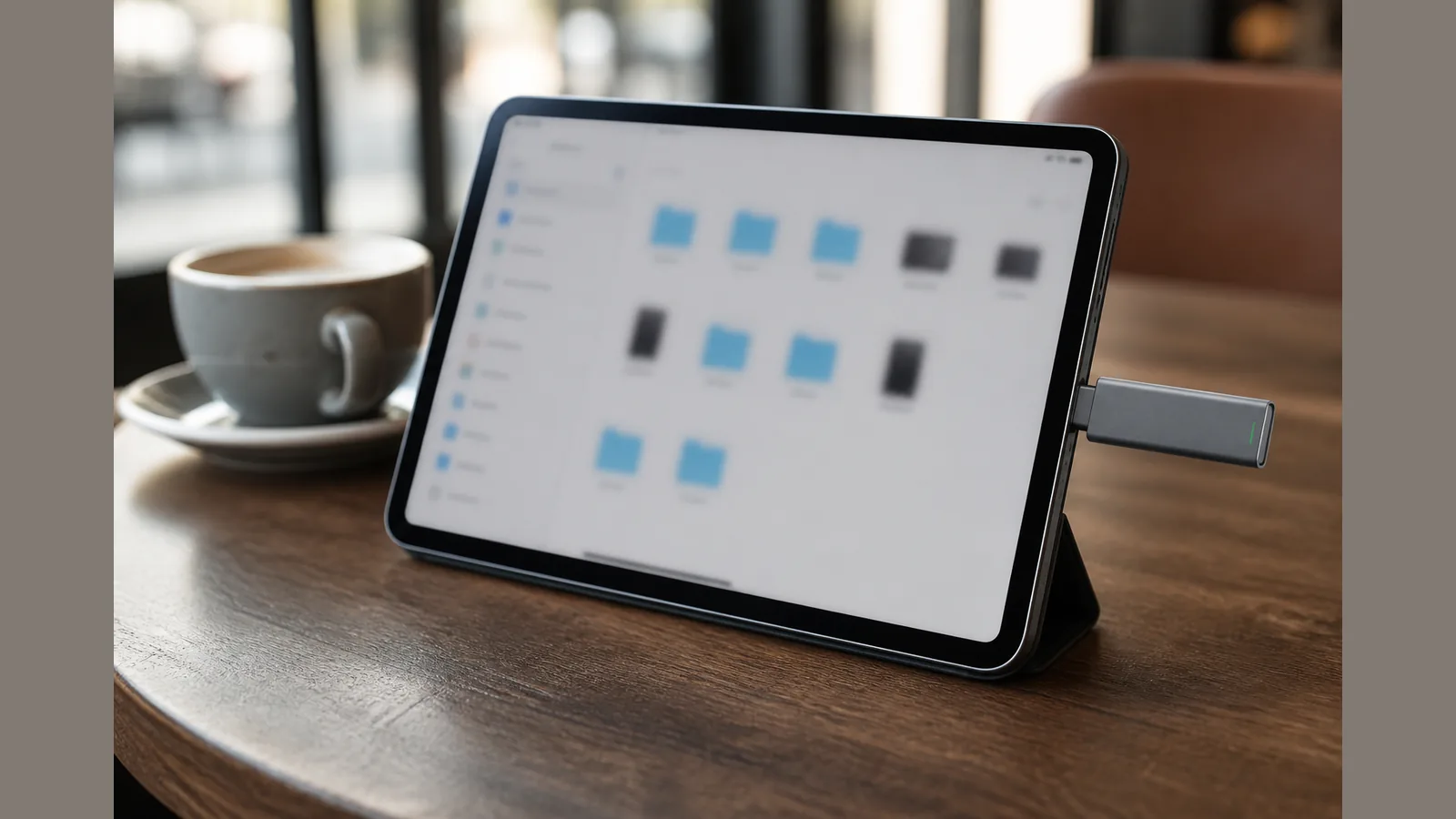
iPad USB-C External SSD Workflow UK: Offload, Edit, Hand Off Without Guesswork
Direct answer: USB-C iPads can browse compatible external SSDs in Files when format/partition rules are met
For an ipad usb-c external ssd workflow uk setup, a USB-C iPad can browse a compatible external SSD in the Files app when the drive uses a supported format and partition layout. Apple documents that iPad can use external USB storage through Files with the same supported formats, and that unpowered hard drives may need a powered hub on USB-C iPads. Vendor guidance likewise describes attaching a portable SSD for extra storage and file access under iPadOS Files workflows. Compatibility still depends on your exact iPad model, port generation, cable, format and power — check those before you rely on the drive on a shoot or client day.
Step sequence: connect → Browse in Files → copy/offload → eject safely
A practical Files-first sequence keeps the workflow simple and reduces the chance of leaving a write unfinished:
- Connect the portable SSD to the iPad’s USB-C port (or via a suitable hub if your kit needs one).
- Open Files, then use Browse to locate the external volume under Locations.
- Copy or offload media and project folders between On My iPad (or iCloud Drive) and the SSD as your backup or hand-off plan requires.
- When finished, eject safely from Files before unplugging, so the volume is not removed mid-write.
Treat this as a storage and file-transfer path, not a promise that every editing app will open, scrub or export from the external volume at the same performance as internal storage. App access and behaviour vary; verify on your own apps and iPadOS version.
Power and hub notes for bus-powered vs self-powered drives
Apple’s UK guidance notes that some unpowered drives may need a powered hub on USB-C iPads. Bus-powered portable SSDs are often used without extra power, but power draw, cable quality and hub design still matter. If a drive fails to mount, drops out under load, or only appears intermittently, try a powered hub or a different cable before assuming the SSD is incompatible.
Do not assume every iPad USB-C port delivers the same bandwidth or power budget. Port generation and accessories differ across models, so confirm behaviour on the buyer’s exact device rather than treating “USB-C iPad” as one uniform class.
Who this suits (mobile editors) vs who should stay on laptop
This workflow suits mobile editors and field producers who need to offload cards, park large media sets, and hand off folders without carrying a full laptop for every transfer. An ipad pro external ssd uk kit is especially useful when Files is the hub: ingest on location, keep a working set on the iPad, and move archives to the SSD for travel or next-day edit on another machine.
Stay on a laptop when you need heavy multi-stream timelines, complex colour pipelines, or app features that do not fully support external volumes on iPadOS. External SSD access through the Files app does not automatically equal desktop-class editing from that drive. Prefer the iPad path for portable storage and light-to-moderate mobile work; keep laptop workflows where your tools and power requirements demand them.
Soft CTA for pocket USB-C stick form factor for bag-friendly iPad kits
If you want a cable-free USB-C stick form factor marketed as pocket portable SSD storage for MacBook, iPad, Windows and compatible phones, review the current product details for the SSK 1TB USB-C SSD Stick. Site-published interface and speed figures on that page should be read as marketing claims pending independent verification — use them only as a starting point, then confirm format, power and Files behaviour on your own iPad before you rely on the drive in production.
FAQ: Lightning iPads, single-partition rule, app access limits
Do Lightning iPads follow the same USB-C SSD workflow?
No. The Files-based external SSD path described here assumes a USB-C iPad and suitable cabling or hub. Lightning models use a different connector ecosystem; do not treat USB-C stick advice as interchangeable without checking Apple’s guidance for your exact model and accessories.
Why does partition and format matter for the Files app external drive on iPad?
iPadOS expects supported formats and a layout Files can mount cleanly. Multi-partition or unsupported formats are a common reason a drive appears on a computer but not under Browse on iPad. Keep a simple, supported volume for a reliable files app external drive ipad experience, and reformat only after you have a verified backup.
Can every editing app use files on a portable SSD for iPad editing in the UK?
Not necessarily. Files can expose the volume, but individual apps decide whether they can open, write or cache from external storage. For a portable ssd for ipad editing uk plan, test your actual apps with a sample project before a deadline. Do not assume transfer rates, sustained speeds or editing performance beyond what your own device shows.