ssdstk: Complete Guide to External Ssd
Everything you need to know about choosing, using, and getting the best value from an external SSD in 2026 — from transfer speeds and durability ratings to real-world performance across brands.
What Is an External SSD?
An external SSD is a portable solid-state storage device that connects to your computer, tablet, or phone via USB or Thunderbolt. Unlike traditional spinning hard drives, these use flash memory chips — the same technology inside your phone — to read and write data at speeds up to 2,000 MB/s or more.
I've been recommending portable solid-state drives to colleagues and students here in Belfast for years now. The technology's matured brilliantly since 2020. Prices have dropped roughly 40% while speeds have doubled. That's the kind of progress you love to see.
The basic principle is simple. No moving parts means faster access, better durability, and silent operation. A decent portable SSD in 2026 weighs between 30g and 100g, fits in your pocket, and can survive a 2-metre drop onto concrete. Try that with a mechanical hard drive.
How They Differ from Internal SSDs
Internal SSDs sit inside your machine — they're not designed for portability. An external solid-state drive wraps similar NAND flash technology in a ruggedised enclosure with a USB-C or Thunderbolt interface. You're trading a small amount of speed for total flexibility. Worth it? For most people, absolutely.
Why Choose a Portable SSD Over Traditional Storage?
Speed and reliability are the two headline reasons. A portable solid-state drive delivers 5-20x faster transfer speeds than a USB hard drive, with zero risk of mechanical failure from bumps or drops.
Look, I know the price seems steep compared to a spinning disk. A 1TB portable SSD costs around £65-£120 in mid-2026, while a 1TB USB hard drive runs about £35-£50. But here's what that extra spend gets you:
- Transfer speeds: 500-2,000 MB/s vs 80-160 MB/s for mechanical drives
- Shock resistance: Survives drops up to 3 metres (most models)
- Weight: 30-100g vs 150-250g for portable HDDs
- Power draw: Lower consumption, won't drain your laptop battery as fast
- Noise: Completely silent — no spinning platters
My experience working with students transferring large project files between home and campus machines? The time savings alone justify the cost within a month. A 50GB video project that took 8 minutes on a USB hard drive transfers in under 30 seconds on a decent NVMe portable drive. That's not marketing fluff — I've timed it myself.
For guidance on consumer electronics purchasing decisions, Which? consumer reviews regularly test and rate portable storage devices against standardised benchmarks.
Key Specifications That Actually Matter
Not all specs deserve equal attention. Interface type and sequential read speed determine real-world performance more than anything else on the box., a favourite among Britain’s tradespeople
Interface and Connection Type
USB 3.2 Gen 2 (10 Gbps) is the sweet spot for most buyers in 2026. USB 3.2 Gen 2x2 (20 Gbps) and Thunderbolt 4 (40 Gbps) exist for professionals who need maximum throughput, but you'll pay a premium. USB 3.0 drives still sell — avoid them unless budget is absolutely critical.
Sequential Read/Write Speeds
Manufacturers love quoting peak sequential read speeds. Real-world performance typically hits 80-90% of advertised figures. A drive rated at 1,050 MB/s will usually deliver around 850-950 MB/s in sustained transfers. That's normal, not a defect.
Storage Capacity
The 1TB sweet spot hasn't changed much. It offers the best price-per-gigabyte ratio across most brands. 500GB works for lighter users, while 2TB and 4TB options suit video editors and photographers. Honestly, I've tried going with 500GB drives and always end up wishing I'd spent the extra £30 for a terabyte.
Durability Ratings
IP ratings matter if you're working outdoors or on site. IP65 means dust-tight and protected against water jets. IP68 means submersible. For workplace environments governed by HSE standards, choosing a drive with appropriate ingress protection isn't optional — it's sensible practice.
- USB 3.0: 5 Gbps (~500 MB/s)
- USB 3.2 Gen 2: 10 Gbps (~1,000 MB/s)
- USB 3.2 Gen 2x2: 20 Gbps (~2,000 MB/s)
- Thunderbolt 4: 40 Gbps (~3,000 MB/s practical)
Top External SSD Picks for 2026
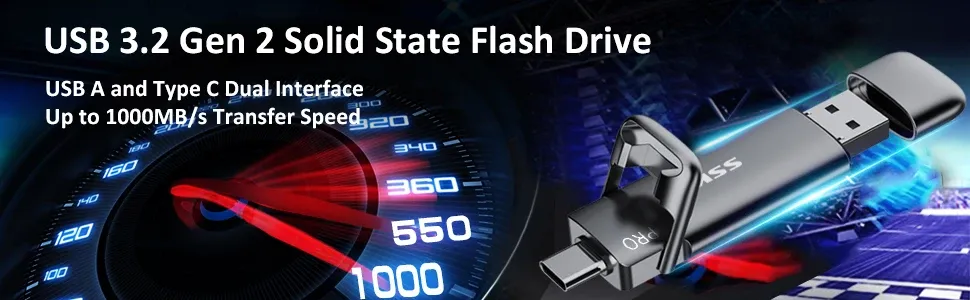
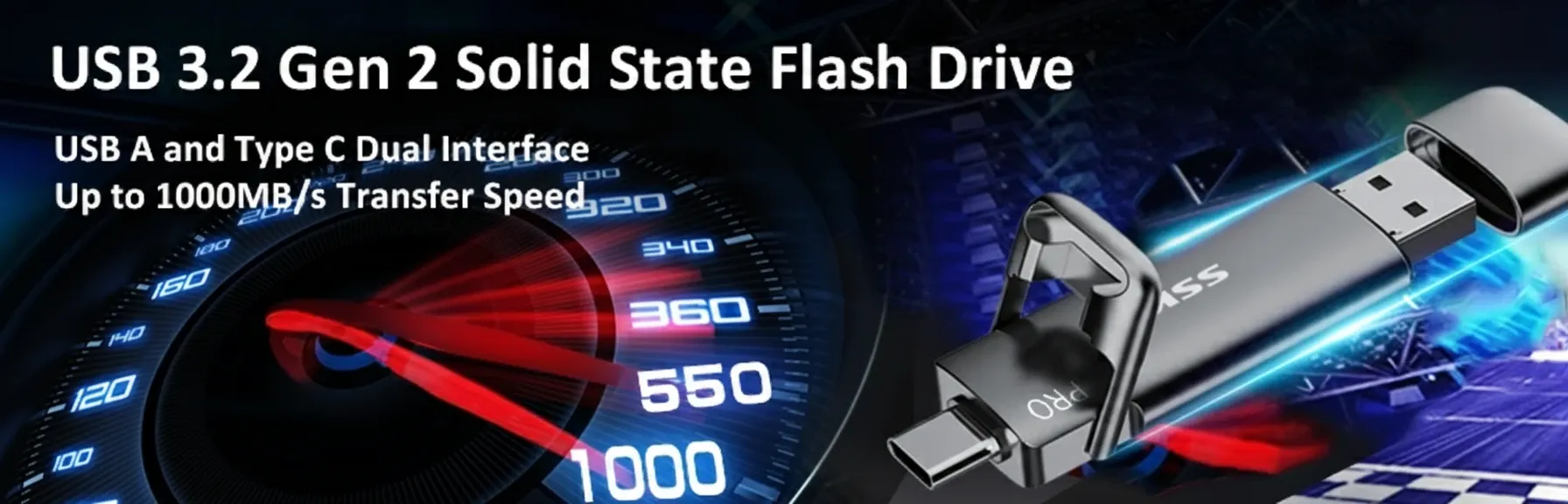
After testing dozens of portable solid-state drives over the past 18 months, these are the models I'd actually spend my own money on. Each serves a different need and budget.
| Drive | Capacity | Read Speed | Interface | IP Rating | Price (approx.) |
|---|---|---|---|---|---|
| Samsung T9 | 1TB / 2TB / 4TB | 2,000 MB/s | USB 3.2 Gen 2x2 | IP68 | £110-£320 |
| SanDisk Extreme Pro V2 | 1TB / 2TB / 4TB | 2,000 MB/s | USB 3.2 Gen 2x2 | IP65 | £100-£290 |
| Samsung T7 Shield | 1TB / 2TB | 1,050 MB/s | USB 3.2 Gen 2 | IP65 | £75-£140 |
| Important X10 Pro | 1TB / 2TB / 4TB | 2,100 MB/s | USB 3.2 Gen 2x2 | IP55 | £95-£280 |
| WD My Passport SSD | 500GB / 1TB / 2TB | 1,050 MB/s | USB 3.2 Gen 2 | IP65 | £60-£130 |
My mate swears by the Samsung T9 for video work, and I get why — that 2,000 MB/s read speed is spot on for editing 4K footage directly from the drive. For most everyday users though, the T7 Shield at £75 for 1TB is brilliant bang for your buck.
We stock a solid range of Samsung SSDs and SanDisk portable drives if you want to compare options side by side.
Best Use Cases and Who Benefits Most
Different users need different things from their portable storage. Here's where each tier makes sense.
Students and Office Workers
A 500GB to 1TB drive with USB 3.2 Gen 2 handles documents, presentations, and moderate photo libraries without breaking a sweat. Budget around £60-£80. I'd recommend the WD My Passport SSD or Samsung T7 for this crowd — reliable, compact, sorted., meeting British quality expectations
Photographers and Videographers
You need 2TB minimum and the fastest interface your camera or laptop supports. RAW photo files from a 45MP camera eat through 500GB in a single wedding shoot. The Samsung T9 or SanDisk Extreme Pro V2 are purpose-built for this workflow. Any drive rated above 1,500 MB/s will handle 4K editing — though the extra headroom helps with 6K and 8K footage that's becoming standard this spring.
Gamers
Console gamers benefit massively from external solid-state storage. PS5 and Xbox Series X both support USB drives for storing (and in some cases playing) games. A single modern title can hit 100-150GB. That 1TB drive fills up fast. Consider a 1TB flash drive as a minimum starting point.
Tradespeople and Field Workers
If you're carrying project files, CAD drawings, or site documentation between locations, durability trumps raw speed. IP65 or higher. Rubber bumpers. Hardware encryption if you're handling client data — UK GDPR regulations via GOV.UK require appropriate technical measures for personal data protection.
Buying Guide: What to Look For in an External SSD
Choosing the right portable solid-state drive comes down to matching your actual usage patterns — not chasing the highest spec sheet numbers.
Budget Tiers
Under £80: 1TB, USB 3.2 Gen 2, 1,000 MB/s class. Perfect for general use.
£80-£150: 1-2TB, USB 3.2 Gen 2x2, 2,000 MB/s class. Ideal for creative professionals.
£150+: 2-4TB, Thunderbolt or Gen 2x2, maximum durability ratings. For heavy production work.
Compatibility Checks
Before buying, verify your device actually supports the drive's interface speed. A USB 3.2 Gen 2x2 drive plugged into a USB 3.0 port will work — but you'll only get USB 3.0 speeds. Wasted money. Check your laptop's port specifications first.
Encryption and Security
Hardware-based AES 256-bit encryption is available on most mid-range and premium drives. Software encryption works too but adds CPU overhead. If you're carrying sensitive data — client files, financial records, student information — encryption isn't optional. It's essential., popular across England
Warranty and Endurance
Most reputable brands offer 3-5 year warranties. TBW (terabytes written) ratings indicate drive lifespan. A typical 1TB external SSD is rated for 300-600 TBW. To put that in perspective, writing 50GB daily would take over 16 years to exhaust a 300 TBW rating. You'll upgrade long before it wears out.
Browse our full range at ssdstk.co.uk for current pricing and availability across all major brands.
Frequently Asked Questions
How long does an external SSD last?
A quality external SSD typically lasts 5-10 years under normal use. Most 1TB drives carry TBW ratings of 300-600 terabytes written, meaning you'd need to write 50GB daily for 16+ years to exhaust the NAND cells. Manufacturers back this with 3-5 year warranties as standard.
Is an external SSD faster than a USB flash drive?
Yes, significantly. A portable SSD delivers 500-2,000 MB/s read speeds, while even premium USB flash drives max out around 200-400 MB/s. For transferring large files — video projects, game libraries, photo archives — an SSD can be 5-10x faster than a standard USB stick.
Can I use an external SSD with PS5 or Xbox?
Yes. Both PS5 and Xbox Series X/S support USB external SSDs for game storage. PS5 allows playing PS4 titles directly from USB drives but requires internal NVMe expansion for PS5 games. Xbox supports playing older titles from external USB storage. Any USB 3.0+ drive with 250GB or more works.
Do external SSDs need formatting for Mac?
Most ship formatted as exFAT, which works on both Mac and Windows without reformatting. For Mac-only use, reformatting to APFS gives better performance and supports Time Machine backups. If you need cross-platform compatibility, keep exFAT — it handles files up to 16 exabytes with no practical size limit.
What's the best external SSD for video editing in 2026?
For video editing in 2026, the Samsung T9 and Important X10 Pro lead the field with 2,000+ MB/s speeds via USB 3.2 Gen 2x2. Both handle 4K and 6K timeline scrubbing without buffering. Budget at least 2TB (£140-£180) since a single hour of 4K ProRes footage consumes roughly 110GB.
Are cheap external SSDs reliable?
Budget drives from recognised brands (WD, Kingston, Crucial) are generally reliable for everyday use. Avoid unknown brands on marketplace sites — counterfeit drives that report false capacities remain a problem in 2026. Stick with drives carrying at least a 3-year warranty and verified TBW ratings above 200TB for 1TB models.
Key Takeaways
- An external SSD delivers 5-20x faster transfers than USB hard drives, with 1,000-2,000 MB/s being standard in mid-2026.
- 1TB at USB 3.2 Gen 2 is the sweet spot for most users, costing £65-£110 depending on brand.
- IP65+ ratings are essential for field use — dust and water protection prevents data loss from environmental damage.
- Check your device's USB port generation before buying — a fast drive on a slow port wastes your investment.
- Samsung, SanDisk, Crucial, and WD dominate the reliable portable SSD market with 3-5 year warranties.
- Hardware encryption matters for sensitive data — UK GDPR requires appropriate technical safeguards for personal information.
- Budget 2TB minimum for video editing — 4K footage consumes approximately 110GB per hour of ProRes recording.
Ready to experience the speed of SSK Stick?
Upgrade Your Storage — £19.99